SVG vs PNG vs PDF: Which File Format Should You Use?
One design, three files · which one do you open? A plain-English mental model for SVG, PNG and PDF, matched to cutting, sublimation and printables.
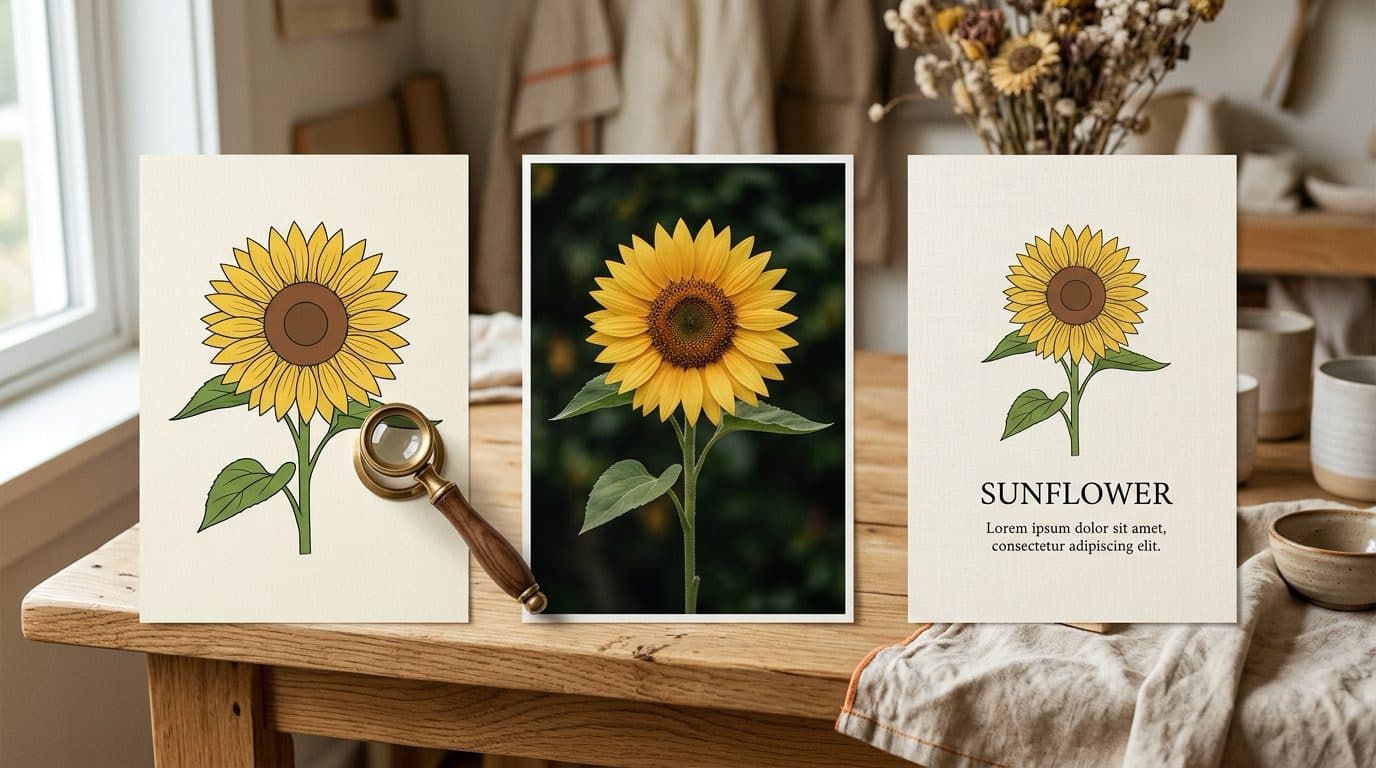
Every design bundle hands you the same trio, and every beginner opens the wrong one first. The mental model is simpler than the acronyms: SVG is a recipe, PNG is a photo, PDF is a page. Match the file to the machine and half your problems disappear.
SVG — the recipe
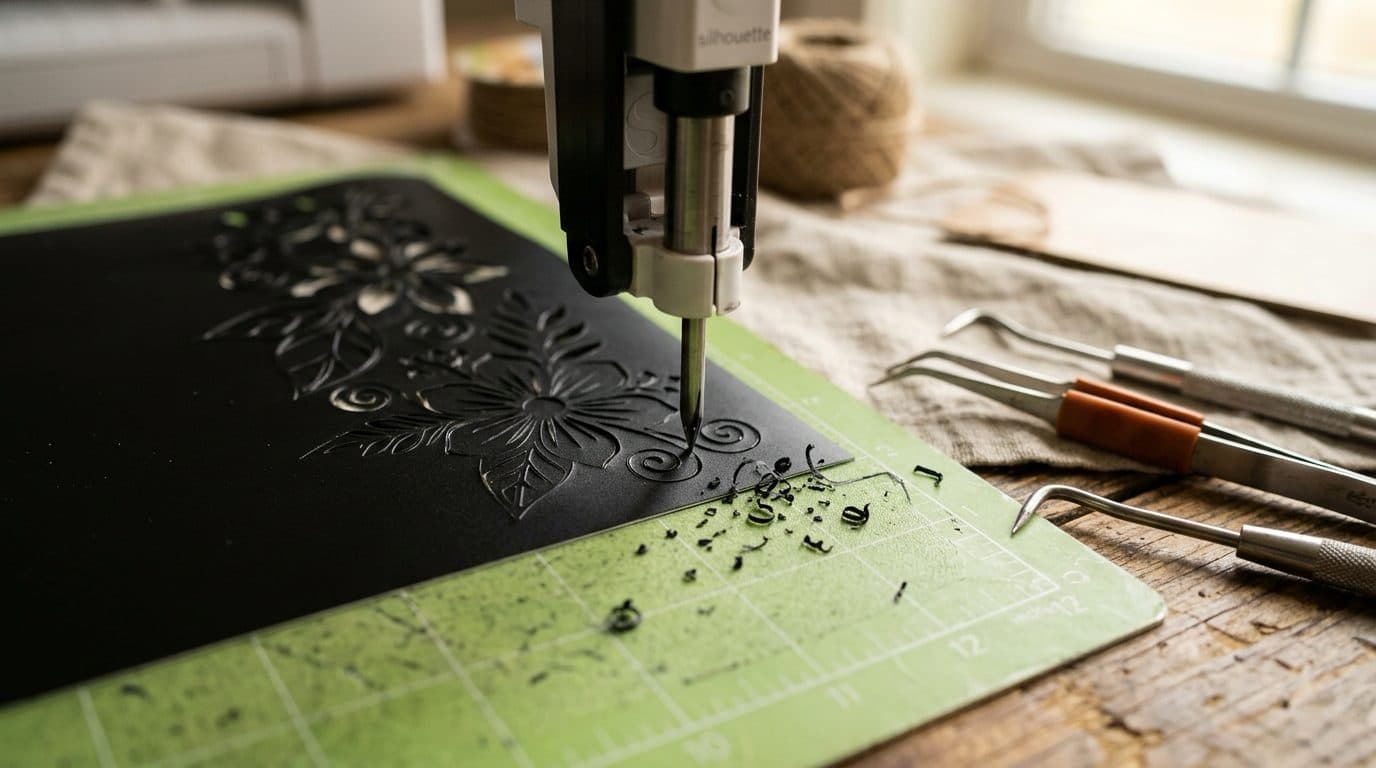
A vector file stores instructions, not pixels: "draw this curve here." That's why it scales from sticker to storefront sign without a hint of blur, and why cutting machines require it — your Cricut follows those paths with a blade. It's also editable: recolor a shape, delete an element, weld two paths. Browse anything in the icons collection and you're looking at pure path work. If your cuts tear anyway, the file usually isn't the problem — your blade or mat is.
PNG — the photo
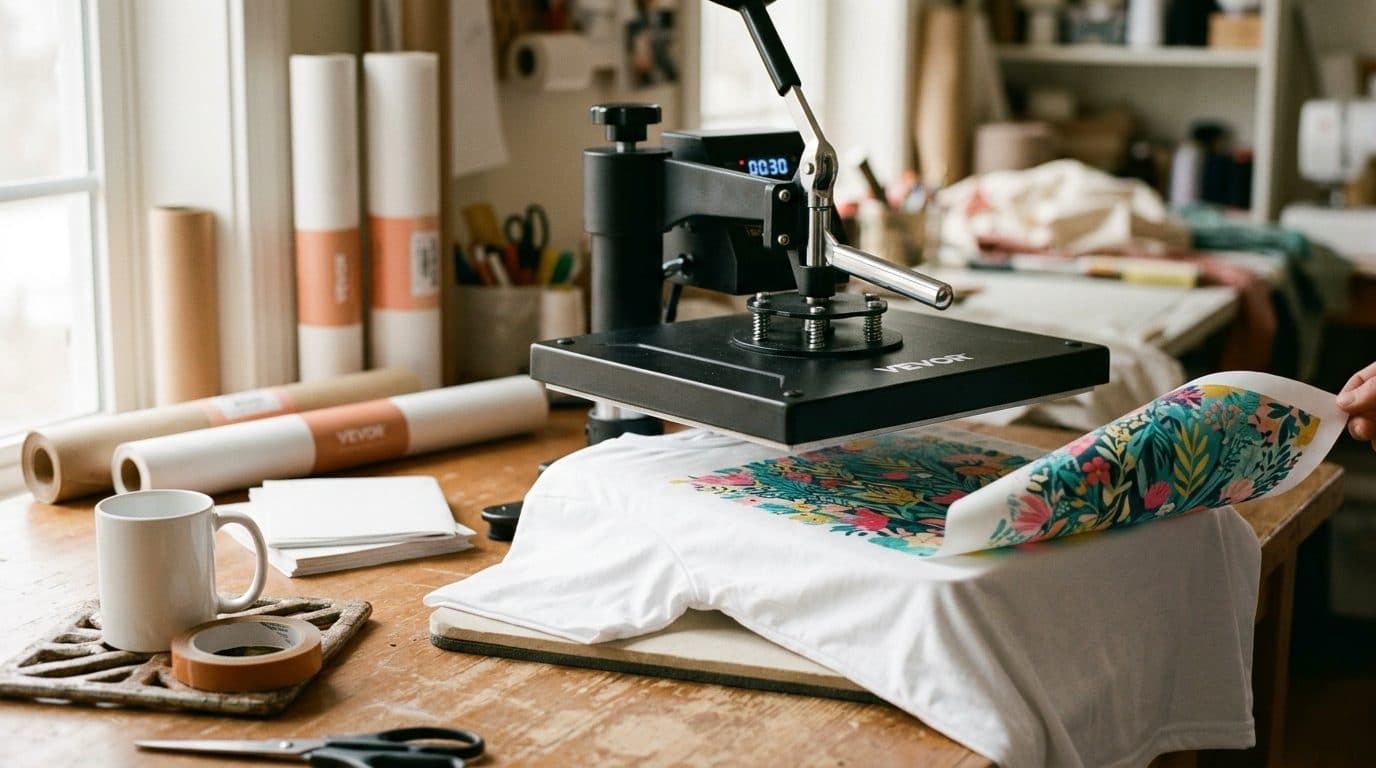
A raster file stores pixels, with transparency — which makes it the format for sublimation and DTF printing, where you're reproducing exact colors rather than cutting shapes. Rich, saturated artwork like the multicolor designs ships as high-resolution PNG for exactly this reason. One rule: never scale a PNG up. 300 DPI at print size or it gets soft. (New to pressing? Start with the sublimation guide.)
PDF — the page
A PDF is a finished document: layout locked, ready for any printer on earth. That's why patterns live here — a cross stitch chart with its symbol key and floss list is a multi-page document, not a shape to cut. Print it, highlight it, hand it to a copy shop; it renders identically everywhere.
The thirty-second decision
Cutting vinyl or cardstock → SVG. Pressing color onto a blank → PNG. Printing a pattern or template to follow by hand → PDF. Our downloads include every format an asset supports, so the real skill isn't converting between them — it's grabbing the right one before the machine reminds you.